
AI Video Editing - Consistency - Camera Preset
A camera preset is a consistency technique that locks lens choice, camera distance, height, and movement speed across every shot in an AI-generated video, preventing the AI from randomly changing the camera's behavior between scenes. When combined with a composition lock, it ensures that the visual language of the film remains coherent from the first frame to the last. This page explains what a camera preset is, when to use it, and how it compares to uncontrolled camera behavior, along with a ready-to-use example prompt.
What is a Camera Preset?
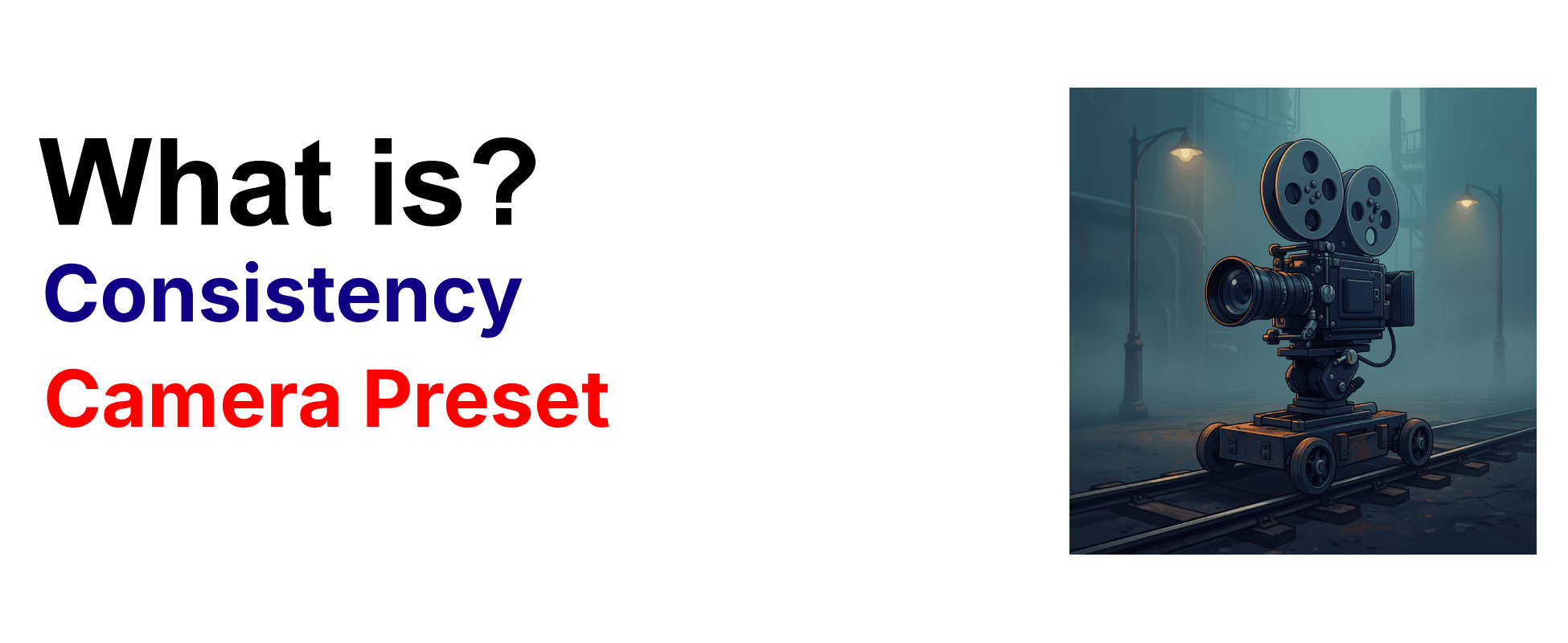
A camera preset is a consistency technique that fixes the same lens, distance, height, and movement speed for every shot, preventing the AI from randomly changing the camera's behavior between scenes. This approach ensures that the visual language of the film remains coherent, so that action sequences maintain their kinetic energy and dialogue scenes keep their intimate framing across multiple takes. Directors use camera presets to lock the storytelling perspective, making sure the audience experiences the narrative through a consistent cinematic eye from the first frame to the last.
Example Prompt
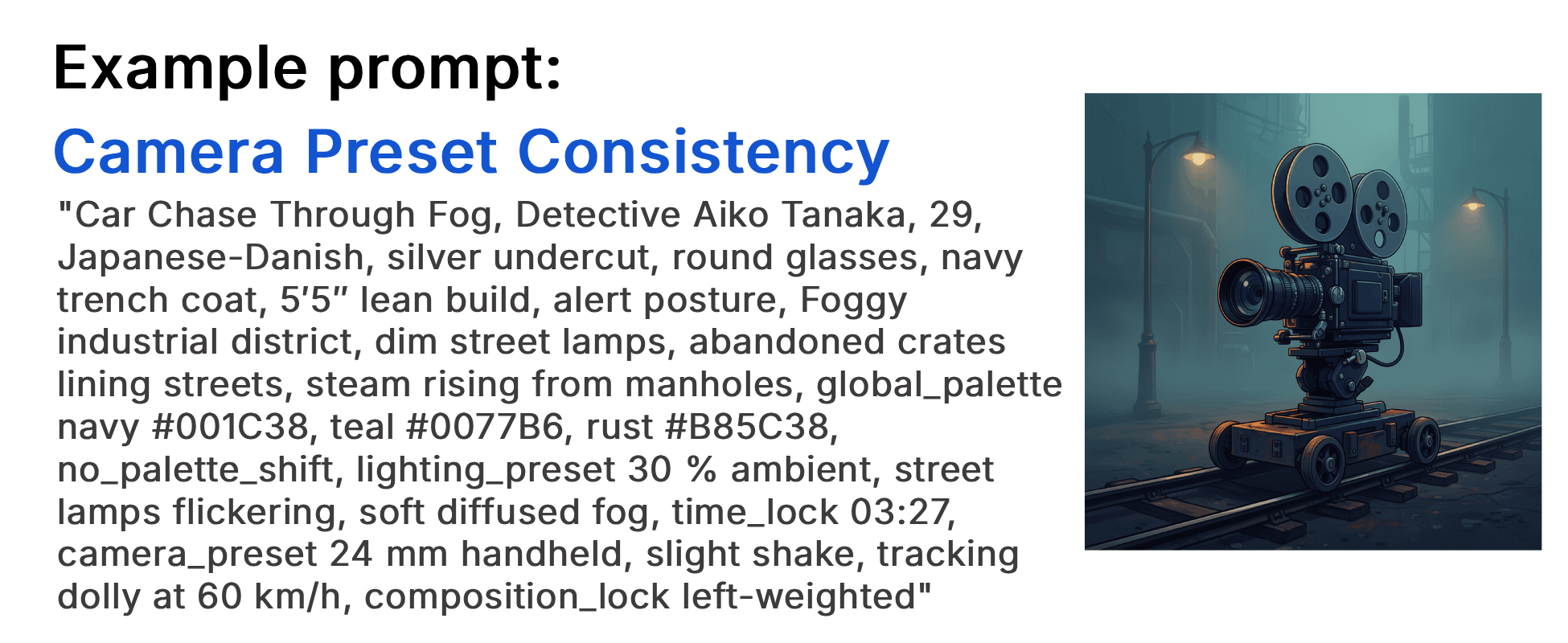
"Car Chase Through Fog, Detective Aiko Tanaka, 29, Japanese-Danish, silver undercut, round glasses, navy trench coat, 5′5″ lean build, alert posture, Foggy industrial district, dim street lamps, abandoned crates lining streets, steam rising from manholes, global_palette navy #001C38, teal #0077B6, rust #B85C38, no_palette_shift, lighting_preset 30 % ambient, street lamps flickering, soft diffused fog, time_lock 03:27, camera_preset 24 mm handheld, slight shake, tracking dolly at 60 km/h, composition_lock left-weighted"
Prompt Breakdown
| Category | Prompt Text |
|---|---|
| Character consistency | "Detective Aiko Tanaka, 29, Japanese-Danish, silver undercut, round glasses, navy trench coat, 5′5″ lean build, alert posture" |
| Scene consistency | "Foggy industrial district, dim street lamps, abandoned crates lining streets, steam rising from manholes" |
| Palette consistency | "global_palette navy #001C38, teal #0077B6, rust #B85C38, no_palette_shift" |
| Lighting consistency | "lighting_preset 30 % ambient, street lamps flickering, soft diffused fog, time_lock 03:27" |
| Camera consistency | "camera_preset 24 mm handheld, slight shake, tracking dolly at 60 km/h, composition_lock left-weighted" |
Example Video
When to use the Camera Preset technique?
The camera preset technique works best when a project requires visual continuity across multiple scenes, such as a chase sequence that needs consistent handheld energy, a dialogue scene that demands stable eye-level framing, or an establishing shot series that should maintain the same lens perspective. It is also essential when combining AI-generated clips into a longer film, where uncontrolled camera changes would make each cut feel like a different movie. Avoid using a rigid camera preset when the story deliberately calls for shifting perspectives, such as a dream sequence or a point-of-view change between characters.
- Multiple scenes share the same visual perspective
- Action sequences need consistent kinetic energy
- Dialogue scenes require stable, intimate framing
- AI-generated clips are being stitched into a longer film
- The camera must not wander between cuts
Pros and Cons of the Camera Preset
| Pros | Cons |
|---|---|
| Locks lens, distance, height, and movement for seamless visual continuity | Can feel repetitive if every scene uses the same preset without variation |
| Prevents the AI from randomly shifting camera behavior between shots | Requires manual specification of every camera parameter, increasing prompt length |
| Works with composition_lock to keep subjects consistently framed | May limit creative flexibility when a scene calls for a deliberate perspective shift |
Recommended book
Learn more about AI video editing
Learn more about AI video editing by reading the book How to Make AI Videos by Gyula Rabai. In this book you can find very important information about: Camera Movement, Lighting, Colors, Composition, Consistency, Character emotion, Character motion, Video style, Action Control and Sound design This information will make your videos more professional, and more engaging.
Get your copy here:
https://videcool.com/p_3707-how-to-make-ai-videos-by-gyula-rabai-book.html
Conclusion
The camera preset is a powerful consistency tool for filmmakers and prompt engineers who want to maintain a coherent visual language across AI-generated video sequences. By locking lens choice, camera distance, height, and movement speed, it prevents the AI from introducing random perspective shifts that break immersion and disrupt narrative flow. Combined with a composition lock, it ensures that every frame feels like it belongs to the same cinematic world. It is not the right choice for every scene, particularly those that deliberately call for shifting perspectives, but when visual continuity is the goal, few techniques are as effective. Used thoughtfully alongside other consistency techniques such as character, palette, lighting, and scene locks, the camera preset becomes an essential part of any AI video generation toolkit.