
AI Video Editing - Character Emotion - Building Fear
Building Fear is one of the most psychologically powerful emotion techniques available in AI video generation, escalating a character's terror incrementally from subtle unease to full-blown panic across frames. This gradual crescendo mirrors real human responses to growing threats, pulling the audience deep into the character's mounting dread. This page explains what the technique is, when to use it, and how it compares to static fear expressions, along with a ready-to-use example prompt.

What is "Building Fear"?
Building Fear is an emotional progression where the character's terror escalates incrementally across frames, starting with subtle signs like shallow breathing or darting eyes and intensifying into full-blown panic. This gradual crescendo mirrors real human responses to growing threats, creating a psychological journey that pulls the audience into the character's escalating dread. Directors use building fear for suspense sequences where the character senses danger approaching, allowing the audience to experience the mounting anxiety in real time as the threat draws closer. Unlike a static "fear" keyword that freezes the expression at one intensity, building fear choreographs the arc from unease to terror, making every frame count in the escalation.

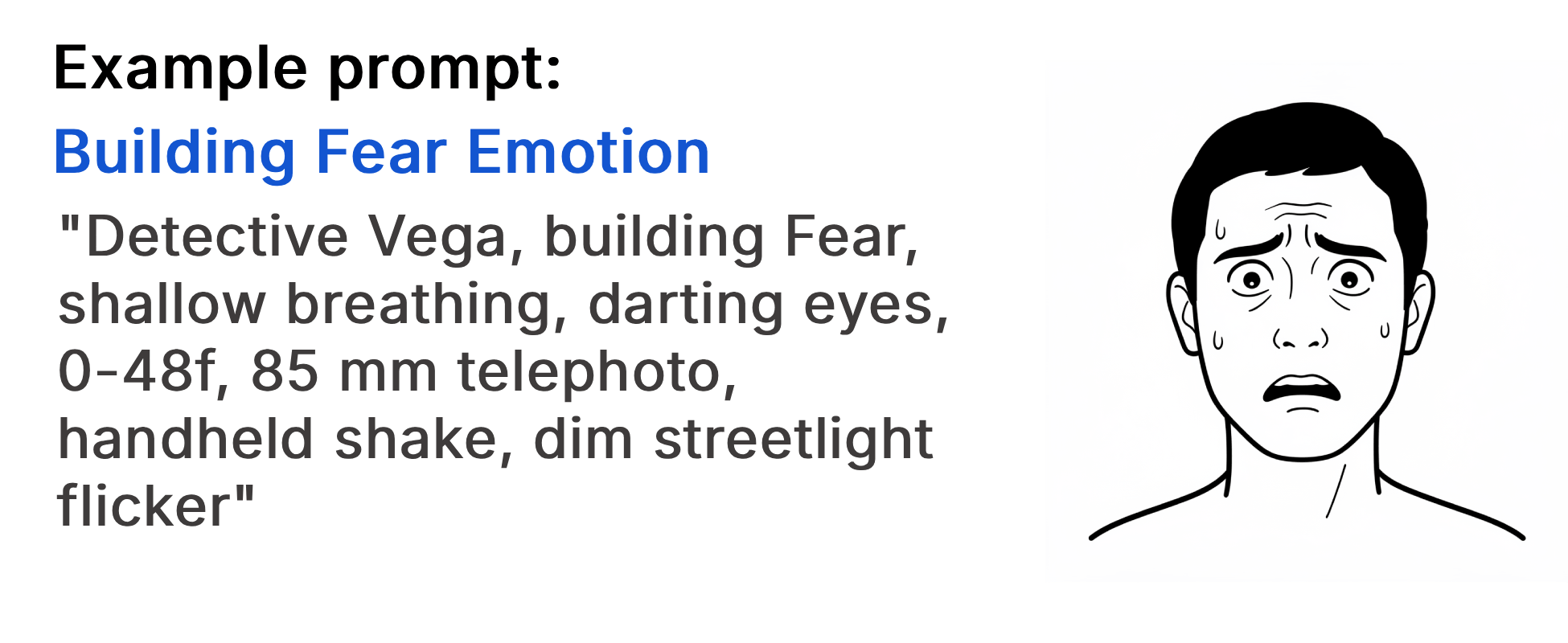
Example Prompt
"Detective Vega, building Fear, shallow breathing, darting eyes, 0-48f, 85 mm telephoto, handheld shake, dim streetlight flicker"
Example Video
When to use the Building Fear technique?
The building fear technique works best when a scene calls for sustained suspense, escalating tension, or a character's gradual realization of danger, such as surveillance sequences, horror reveals, or moments where a protagonist senses an unseen threat closing in. It is also effective for psychological thrillers where the audience should feel the character's anxiety mounting beat by beat. Avoid this technique for sudden shock moments where an instant fear expression is more appropriate, or for scenes that require calm composure from the character.
- The scene requires escalating suspense over time
- A character gradually realizes they are in danger
- The audience should feel mounting anxiety beat by beat
- A surveillance or stalking sequence needs growing dread
- The emotional arc calls for a crescendo from unease to panic
Pros and Cons of Building Fear
| Pros | Cons |
|---|---|
| Creates a psychologically immersive arc that pulls the audience into the character's experience | Requires more frames and longer clips to convey the full escalation effectively |
| Mirrors real human fear responses, making the performance feel authentic and believable | Can feel slow or drawn-out if the pacing is not carefully controlled with timing cues |
| Pairs powerfully with handheld camera and dim lighting to amplify tension visually | May not suit scenes that need an instant shock or jump-scare reaction |
Recommended book

Learn more about AI video editing
Learn more about AI video editing by reading the book How to Make AI Videos by Gyula Rabai. In this book you can find very important information about: Camera Movement, Lighting, Colors, Composition, Consistency, Character emotion, Character motion, Video style, Action Control and Sound design This information will make your videos more professional, and more engaging.
Get your copy here:
https://videcool.com/p_3707-how-to-make-ai-videos-by-gyula-rabai-book.html
Conclusion
Building Fear is a powerful tool for filmmakers and prompt engineers who want to transform a static moment of terror into a living, escalating emotional journey. By choreographing the progression from subtle unease to full panic across frames, it draws the audience deep into the character's psychological state, making every frame a step deeper into dread. It is not the right choice for every scene, but when suspense, escalating tension, or a character's gradual realization of danger are the goal, few techniques communicate them as effectively. Used thoughtfully alongside static emotion keywords and intensity modifiers, it becomes a versatile addition to any AI video generation toolkit.