
AI Video Editing - Character Motion - Gesture
Gesture is one of the most expressive character motion techniques available in AI video generation, adding purposeful limb movements that communicate intention, emphasis, or emotion without full-body locomotion. This page explains what gesture is, when to use it, and how it compares to other motion types, along with a ready-to-use example prompt.
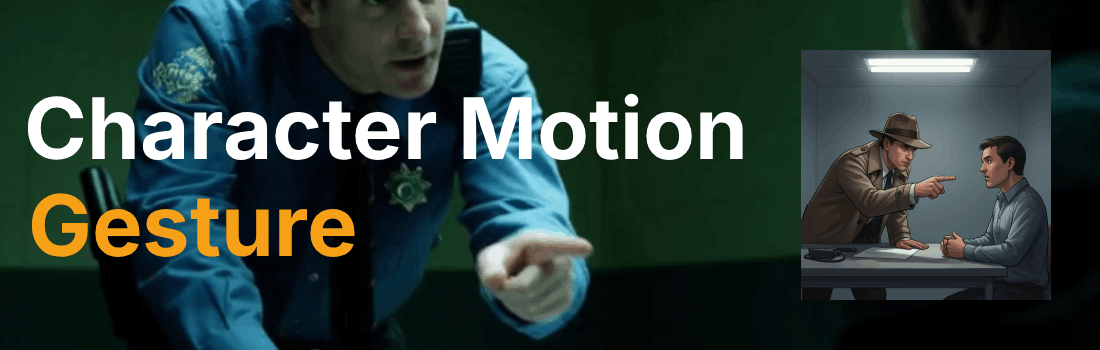
What is the "Gesture" character motion technique?
A gesture is a single purposeful limb movement, such as pointing, waving, or slapping, that
communicates intention, emphasis, or emotion without full-body locomotion. This targeted action
draws the viewer's eye to a specific hand or arm motion, adding clarity to dialogue or revealing
a character's state of mind. Directors use gesture to punctuate dramatic moments, direct attention,
or show dominance in confrontational scenes where body language speaks louder than words.
In AI video generation, gestures can be controlled with precision using the motion syntax:
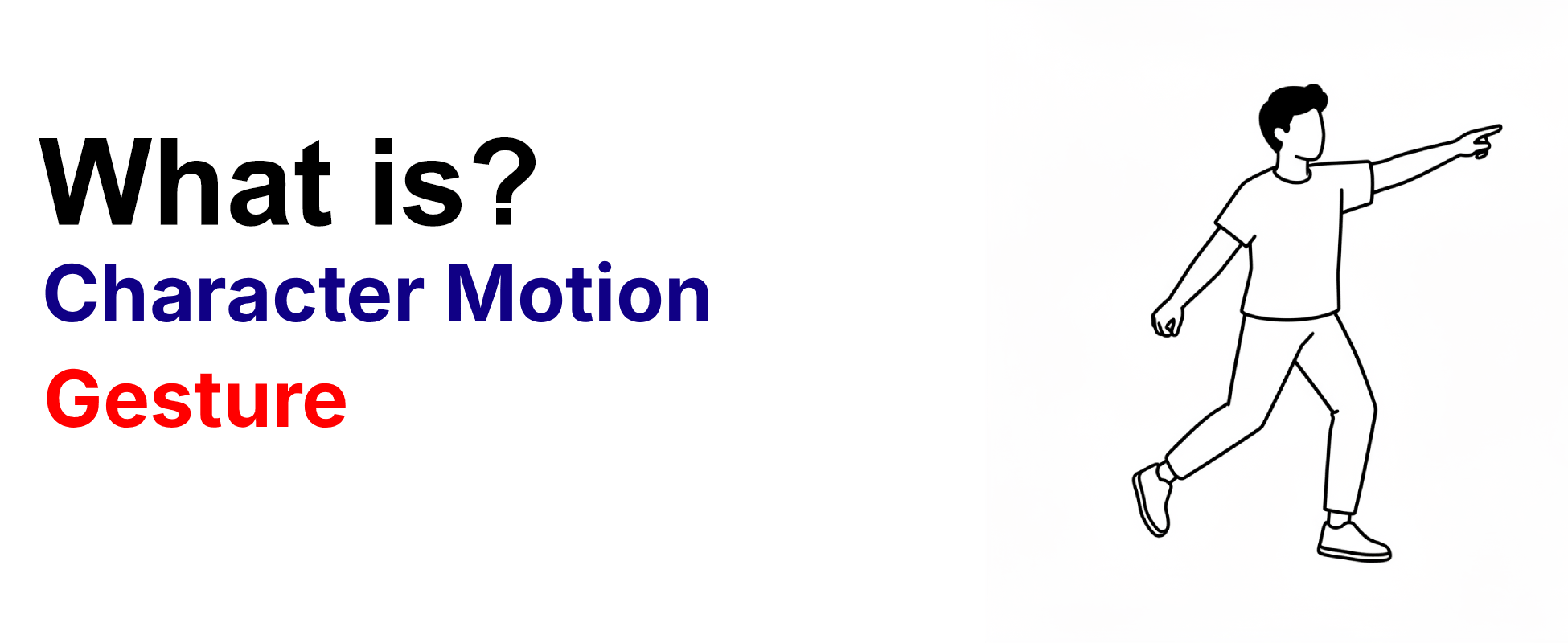
Example Prompt
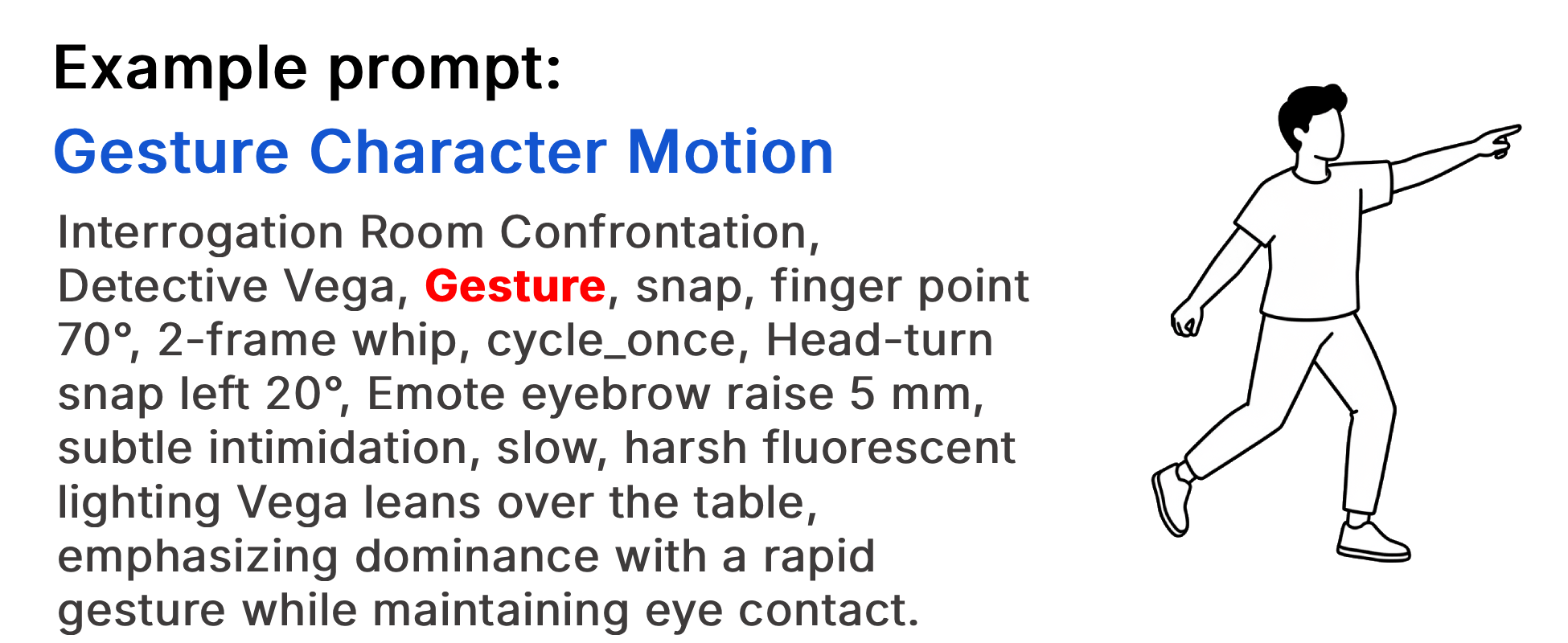
Interrogation Room Confrontation, Detective Vega, Gesture, snap, finger
point 70°, 2-frame whip, cycle_once, Head-turn snap left 20°, Emote
eyebrow raise 5 mm, subtle intimidation, slow, harsh fluorescent lighting
Vega leans over the table, emphasizing dominance with a rapid gesture
while maintaining eye contact.
Example Video
When to use the Gesture technique?
The gesture technique works best when a scene calls for emphasis, direction, or emotional communication without full-body movement, such as punctuating dialogue, directing attention to a specific element, or revealing a character's inner state through body language. It is also effective for confrontational scenes where dominance or submission needs to be communicated visually, or for moments of realization where a sudden hand movement can convey what words cannot. Avoid this technique for action-heavy sequences where full-body motion like walking, running, or fighting will better serve the narrative.
- A character needs to emphasize a point or command attention
- The scene requires emotional communication through body language
- A dramatic moment needs visual punctuation
- Dominance, submission, or power dynamics need to be shown
- The character's state of mind should be revealed without dialogue
Pros and Cons of the Gesture
| Pros | Cons |
|---|---|
| Adds purposeful emphasis and clarity to dialogue or dramatic moments | Can feel mechanical or generic if not specified with precise body-part tokens |
| Communicates emotion and intention without requiring full-body motion | May appear disconnected from the character's overall performance if used in isolation |
| Highly effective for confrontational scenes and power dynamics | Less impactful in action-heavy sequences that demand full-body movement |
Recommended book
Learn more about AI video editing
Learn more about AI video editing by reading the book How to Make AI Videos by Gyula Rabai. In this book you can find very important information about: Camera Movement, Lighting, Colors, Composition, Consistency, Character emotion, Character motion, Video style, Action Control and Sound design This information will make your videos more professional, and more engaging.
Get your copy here:
https://videcool.com/p_3707-how-to-make-ai-videos-by-gyula-rabai-book.html
Conclusion
The gesture is a powerful tool for filmmakers and prompt engineers who want to add purposeful expression and emotional depth to their AI-generated characters. By specifying exact movements, frame counts, and body-part tokens, you can transform generic hand motions into nuanced performances that communicate intention, emphasis, and emotion with precision. It is not the right choice for every scene, but when emphasis, direction, or body-language storytelling are the goal, few techniques communicate them as effectively. Used thoughtfully alongside other motion types, gestures become a versatile addition to any AI video generation toolkit.