
AI Video Editing - Character Motion - Head-Turn
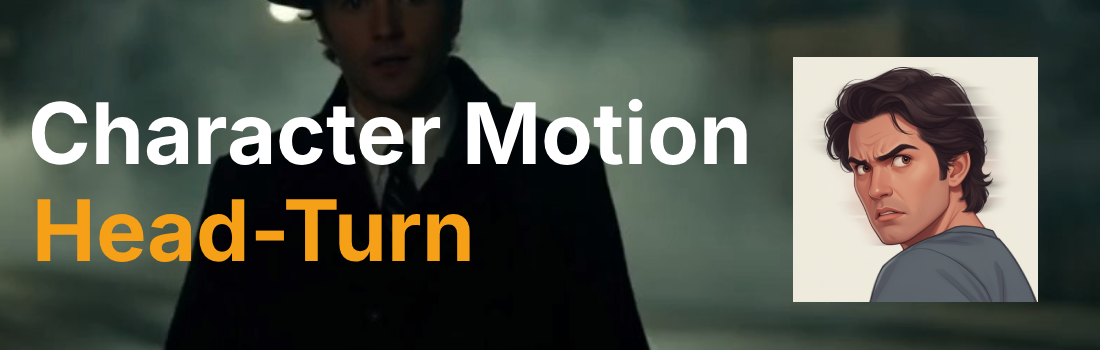
Head-turn is one of the most expressive character motion techniques available in AI video generation, using a simple neck rotation to redirect attention, signal reaction, and shift the emotional weight of a scene. Whether delivered as a slow, suspicious swivel or a lightning-fast snap, the head-turn tells the audience exactly where to look and how the character feels about what they find. This page explains what the technique is, when to use it, and how it compares to other character motion options, along with a ready-to-use example prompt.
What is the "Head-Turn" character motion technique?
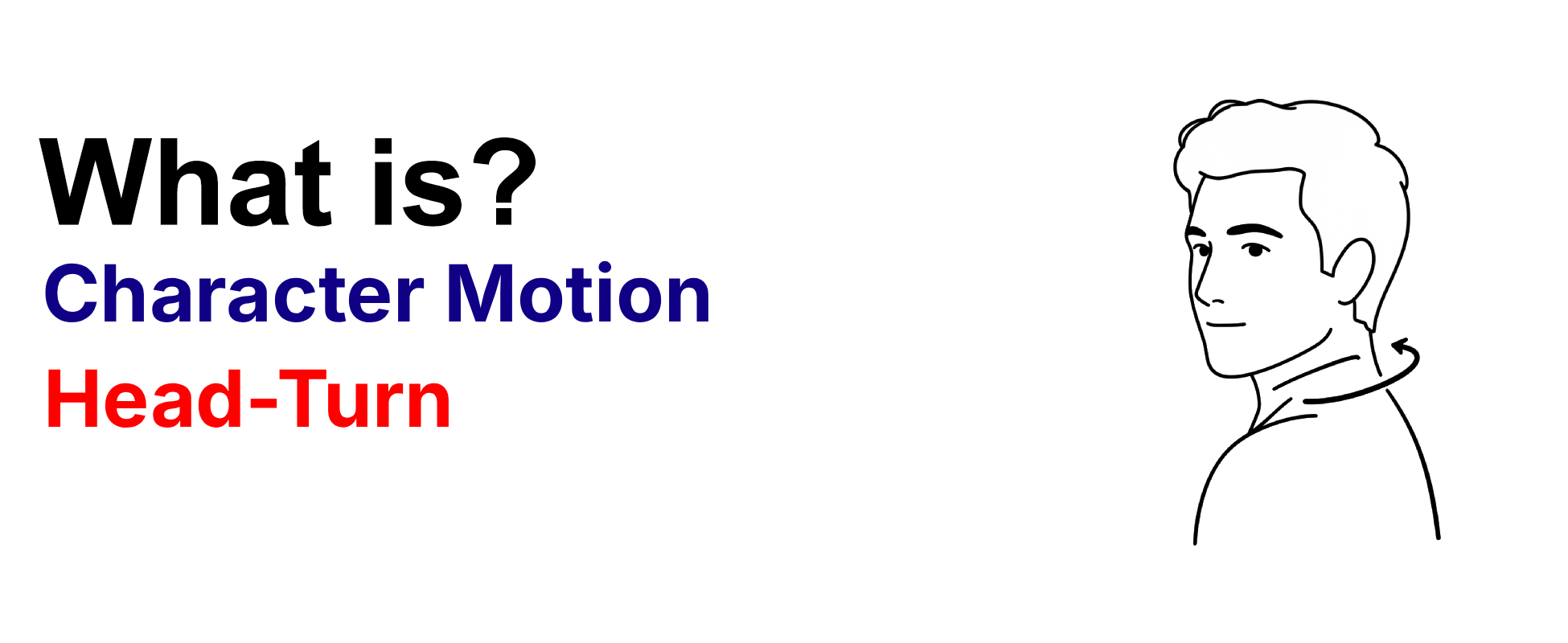
A head-turn is a character motion technique in which the character's neck rotates, shifting their gaze direction by a specific angle. This controlled rotation can be performed slowly for suspicion or snapped quickly for surprise, adding nuance to the character's engagement with their environment. Directors use head-turn to guide the audience's attention within the frame, reveal a character's awareness of something off-screen, or punctuate a moment of recognition or tension. In AI video generation, head-turn prompts can specify the angle (e.g., 30°, 45°), the speed (e.g., slow, snap), and the direction (e.g., left, right), giving you precise control over one of the most subtle yet powerful tools in a digital performer's repertoire.
Example Prompt
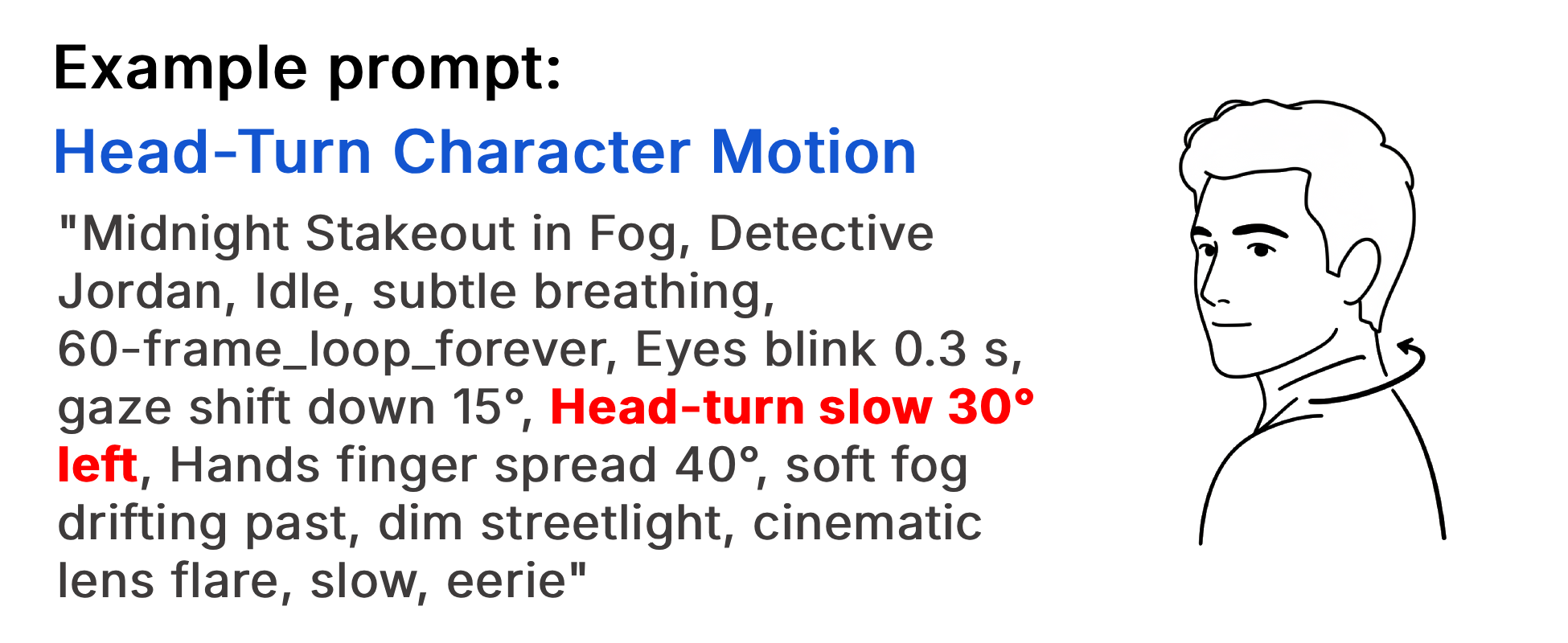
"Midnight Stakeout in Fog, Detective Jordan, Idle, subtle breathing, 60-frame_loop_forever, Eyes blink 0.3 s, gaze shift down 15°, Head-turn slow 30° left, Hands finger spread 40°, soft fog drifting past, dim streetlight, cinematic lens flare, slow, eerie" Jordan's micro-motions build suspense, letting the audience feel isolation and suspense in the fog.
Example Video
When to use the Head-Turn technique?
The head-turn technique works best when a scene calls for a shift in attention, a reaction to an off-screen stimulus, or a moment of recognition or suspicion. It is ideal for close-ups and medium shots where the face is the primary vehicle for storytelling, and it pairs powerfully with eye movements and subtle facial emotes to create layered, believable performances. Use a slow head-turn when building tension or dread, and a snap head-turn for shock, alarm, or sudden discovery. Avoid this technique in wide shots where the rotation is too small to read, or in scenes where full-body movement would communicate the reaction more effectively.
- A character notices something off-screen
- A reaction of surprise, suspicion, or recognition is needed
- The scene calls for a subtle shift in attention
- Close-up or medium shot makes facial motion readable
- Tension or dread should build through slow, deliberate movement
Pros and Cons of the Head-Turn
| Pros | Cons |
|---|---|
| Delivers a powerful, readable reaction in a single, economical motion | Subtle in wide shots where the head rotation is too small to notice |
| Guides the audience's attention precisely within the frame | Overuse can make characters feel twitchy or mechanically reactive |
| Pairs naturally with eye movements and emotes for layered performances | Requires careful angle and speed specification to avoid unnatural rotation |
Recommended book
Learn more about AI video editing
Learn more about AI video editing by reading the book How to Make AI Videos by Gyula Rabai. In this book you can find very important information about: Camera Movement, Lighting, Colors, Composition, Consistency, Character emotion, Character motion, Video style, Action Control and Sound design This information will make your videos more professional, and more engaging.
Get your copy here:
https://videcool.com/p_3707-how-to-make-ai-videos-by-gyula-rabai-book.html
Conclusion
The head-turn is a versatile and essential tool for filmmakers and prompt engineers who want to direct attention and convey reaction with minimal movement. By controlling the angle, speed, and direction of a single neck rotation, you can communicate suspicion, surprise, recognition, or dread without a word of dialogue. It is not the right choice for every scene, but when a character's awareness shifts or a moment of tension needs a visual punctuation mark, few techniques are as effective or as economical. Used thoughtfully alongside body-part motions, emotion modifiers, and loop control, the head-turn becomes a cornerstone of expressive character motion in any AI video generation toolkit.