AI Video Editing - Character Motion - Hands
Hands are one of the most expressive body-part motion controls available in AI video generation, turning subtle finger spreads, wrist tilts, and palm orientations into a silent language that reveals a character's inner state. From a confident point to a nervous fidget, hand movements communicate intention, hesitation, and emotion without a single word. This page explains what the hands motion technique is, when to use it, and how it compares to other body-part controls, along with a ready-to-use example prompt.
What is the "Hands" character motion technique?
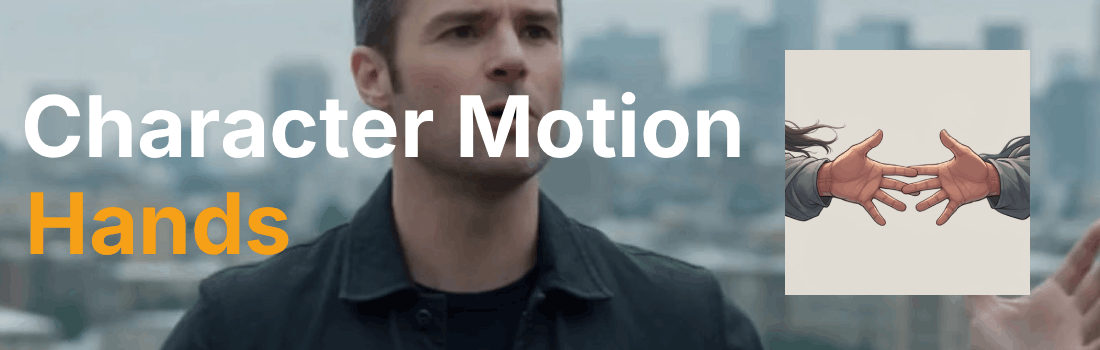
Hands are a body-part motion control that directs finger spread (0–80°), wrist tilt (±15°), and palm orientation to communicate intention, hesitation, or emphasis through detailed limb movements. This micro-motion allows characters to express themselves through gestures like pointing, waving, or clenching, adding layers of meaning to dialogue and emotional beats. Directors use hand movements to reveal a character's inner state, such as nervous fidgeting, confident pointing, or desperate reaching, making the hands a silent narrator of the character's psychology. In AI prompting, hand motion is specified using keywords such as "finger spread 60°" or "wrist flick 10° up," giving you frame-level precision over one of the most emotionally resonant parts of the body. When paired with emotion modifiers like "hesitant," "confident," or "desperate," hand gestures become a powerful storytelling device that transforms a simple action into a layered, believable performance.
Example Prompt
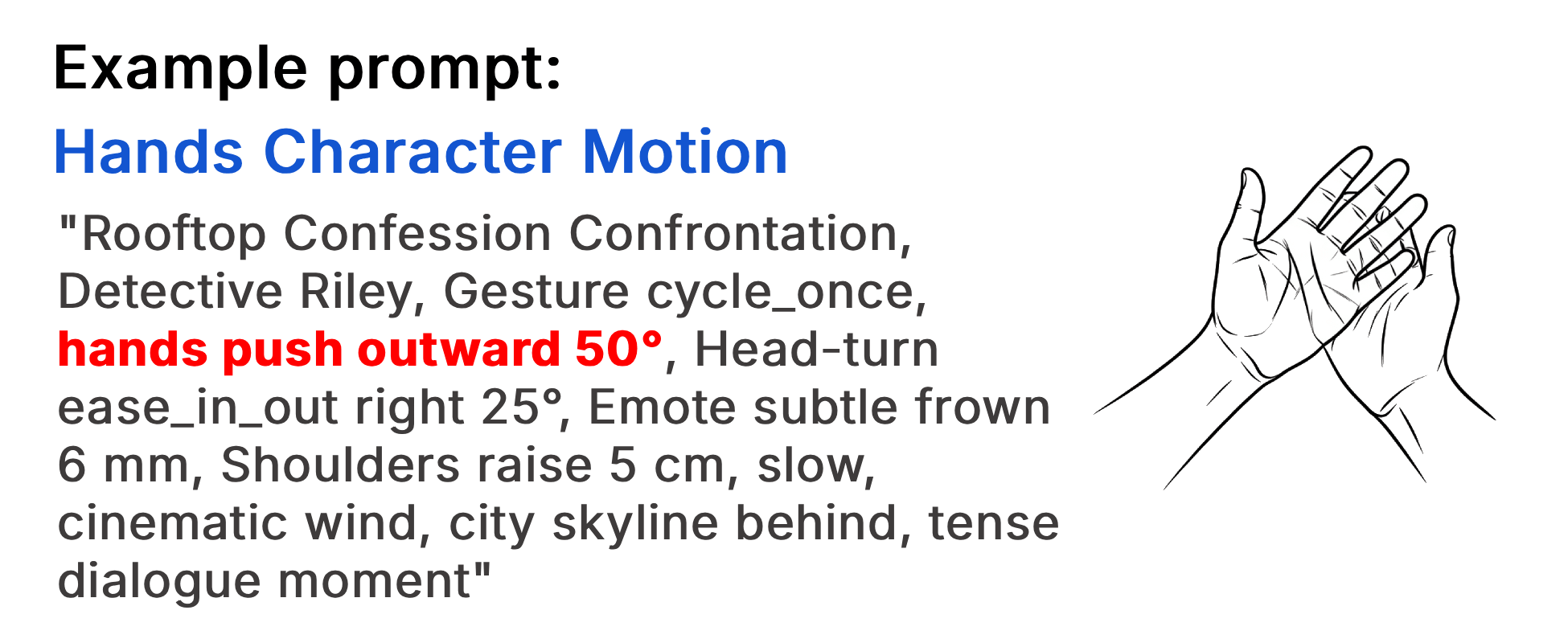
"Rooftop Confession Confrontation, Detective Riley, Gesture cycle_once, hands push outward 50°, Head-turn ease_in_out right 25°, Emote subtle frown 6 mm, Shoulders raise 5 cm, slow, cinematic wind, city skyline behind, tense dialogue moment"
Example Video
When to use the Hands character motion technique?
The hands character motion technique works best when a scene calls for subtle emotional storytelling, interpersonal tension, or non-verbal communication that words alone cannot convey. Hand movements are ideal for dialogue-heavy moments where a gesture can undercut or amplify what a character says, for scenes of hesitation or decision-making where fidgeting or clenching betrays inner conflict, and for confrontation or persuasion where a pointed finger or open palm shifts the power dynamic. Avoid overusing hand motion in fast-action sequences where the detail will be lost, or in wide establishing shots where the hands are too small to read clearly.
- Dialogue needs a non-verbal emotional undercurrent
- A character's hesitation or decision must be shown, not told
- Power dynamics shift through gesture (pointing, open palm, fist)
- Subtle body language matters more than broad movement
- Close-up or medium framing allows hand detail to read clearly
Pros and Cons of the Hands Character Motion
| Pros | Cons |
|---|---|
| Communicates emotion and intention without dialogue, adding depth to every scene | Detail is lost in wide shots or fast-action sequences where hands are too small to see |
| Frame-level precision (finger spread, wrist tilt) gives fine control over micro-expressions | AI models can struggle with hand anatomy, producing extra fingers or unnatural poses |
| Pairs naturally with emotion modifiers (hesitant, confident, desperate) for layered performances | Requires close or medium framing to be effective, limiting shot composition flexibility |
Recommended book
Learn more about AI video editing
Learn more about AI video editing by reading the book How to Make AI Videos by Gyula Rabai. In this book you can find very important information about: Camera Movement, Lighting, Colors, Composition, Consistency, Character emotion, Character motion, Video style, Action Control and Sound design This information will make your videos more professional, and more engaging.
Get your copy here:
https://videcool.com/p_3707-how-to-make-ai-videos-by-gyula-rabai-book.html
Conclusion
The hands character motion technique is a powerful tool for filmmakers and prompt engineers who want to add emotional nuance and non-verbal storytelling to their AI-generated videos. By directing finger spread, wrist tilt, and palm orientation with precision, you can turn a simple gesture into a revealing moment that speaks louder than dialogue. It is not the right choice for every scene, but when subtle emotion, interpersonal tension, or unspoken intention are the goal, few techniques communicate them as effectively. Used thoughtfully alongside broader body movements and facial emotes, it becomes a versatile addition to any AI video generation toolkit.