
AI Video Editing - Character Motion - Walk
Walk is one of the most fundamental character motions in AI video generation, placing the viewer alongside a character as they move through a scene with a measured, heel-to-toe gait. This technique conveys exploration, caution, or casual progression, allowing the audience to absorb the environment while the character's subtle body language reveals their emotional state. This page explains what the walk motion is, when to use it, and how it compares to other character motions, along with a ready-to-use example prompt.
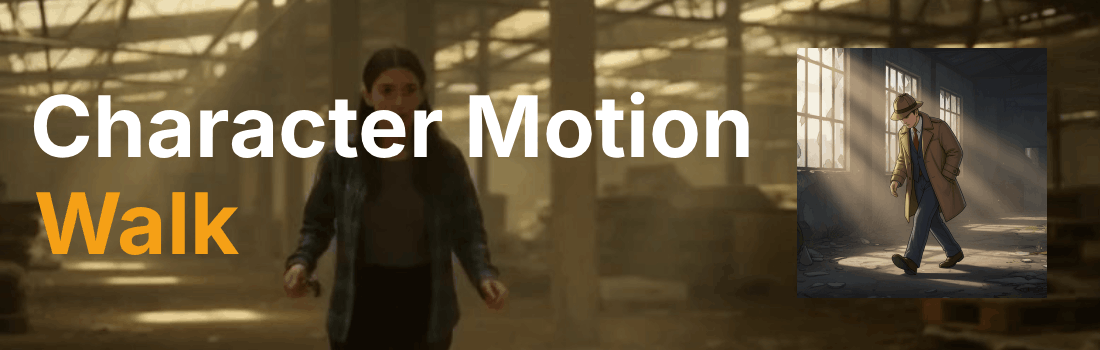
What is the "Walk" character motion?
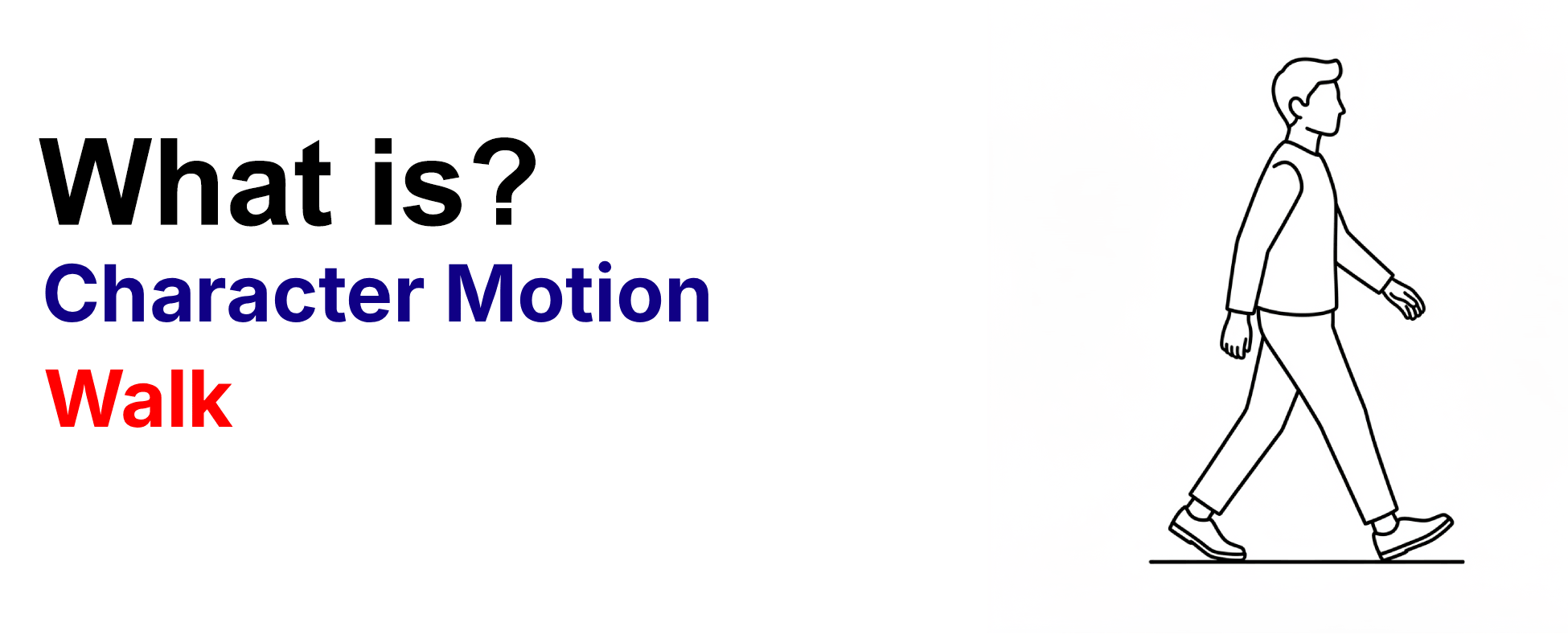
Walk is a standard gait cycle where the character moves at a normal or slow pace, typically with a heel-to-toe stride that conveys exploration, caution, or casual progression. This measured motion allows the audience to absorb the environment while the character's subtle body language reveals their emotional state. Directors use walk for investigative scenes, establishing shots, or moments where the character's journey through space mirrors their internal journey.
Example Prompt
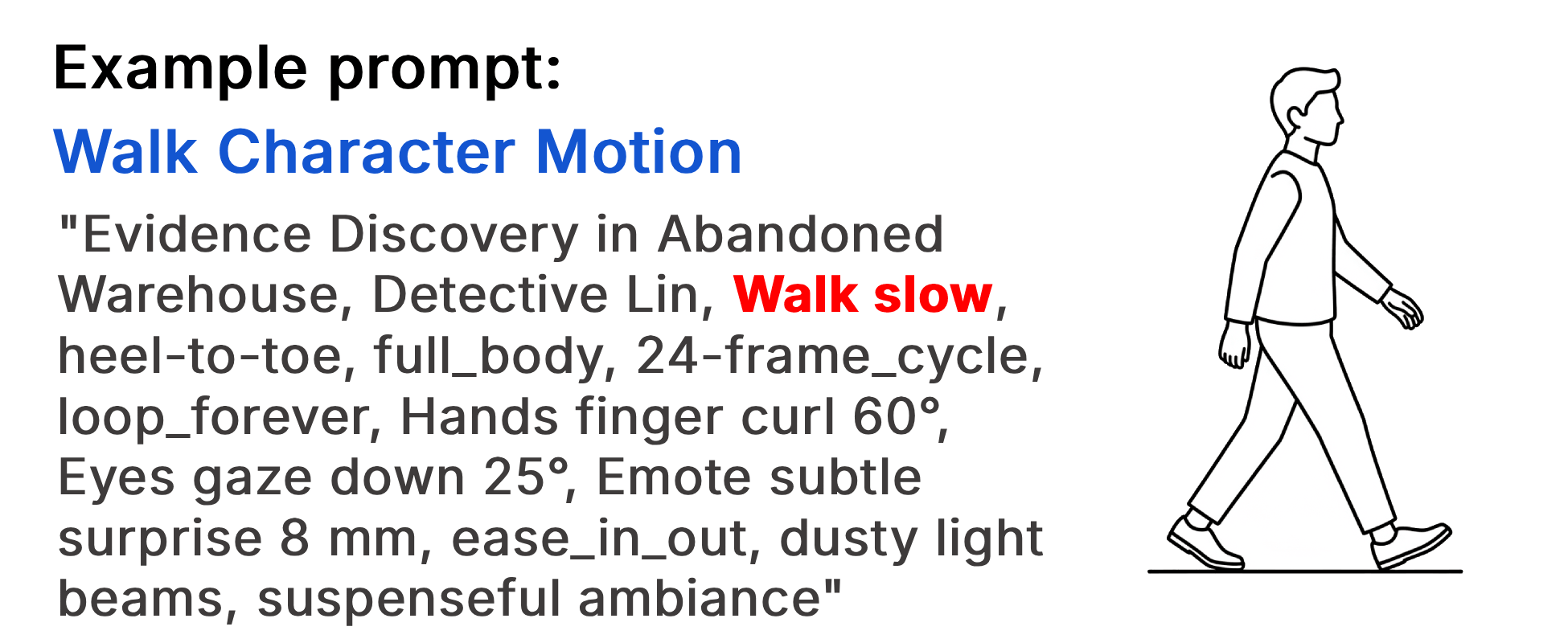
"Evidence Discovery in Abandoned Warehouse, Detective Lin, Walk slow, heel-to-toe, full_body, 24-frame_cycle, loop_forever, Hands finger curl 60°, Eyes gaze down 25°, Emote subtle surprise 8 mm, ease_in_out, dusty light beams, suspenseful ambiance"
Example Video
When to use the Walk character motion?
The walk character motion works best when a scene calls for exploration, caution, or a measured pace that lets the audience absorb the environment alongside the character. It is ideal for investigative sequences, atmospheric establishing shots, or moments where the character's physical journey mirrors their emotional journey. Walk also pairs naturally with emotion modifiers such as "hesitant" or "determined" to add psychological depth. Avoid this technique for high-energy or urgent scenes, where a run or fast motion will better convey the required intensity.
- The character is exploring or investigating a space
- The scene requires a measured, contemplative pace
- Environmental details need time to register with the viewer
- The character's emotional state should be revealed through subtle body language
- The moment calls for caution or hesitation rather than urgency
Pros and Cons of the Walk
| Pros | Cons |
|---|---|
| Allows the audience to absorb the environment and atmosphere | Can feel too slow or uneventful for action-oriented scenes |
| Reveals character emotion through subtle body language and micro-motions | Harder to sustain audience attention without environmental or emotional hooks |
| Pairs well with emotion and intensity modifiers for nuanced performances | May appear flat or lifeless without body-part specifics and timing control |
Recommended book

Learn more about AI video editing
Learn more about AI video editing by reading the book How to Make AI Videos by Gyula Rabai. In this book you can find very important information about: Camera Movement, Lighting, Colors, Composition, Consistency, Character emotion, Character motion, Video style, Action Control and Sound design This information will make your videos more professional, and more engaging.
Get your copy here:
https://videcool.com/p_3707-how-to-make-ai-videos-by-gyula-rabai-book.html
Conclusion
The walk is a foundational character motion for filmmakers and prompt engineers who want to convey exploration, caution, or emotional depth through measured movement. By combining the walk keyword with intensity modifiers, body-part specifics, and emotion keywords, you can transform a simple gait into a richly layered performance that feels human and relatable. It is not the right choice for every scene, but when atmosphere, investigation, or a character's inner journey are the goal, few motions communicate them as effectively. Used thoughtfully alongside faster or more dynamic character motions, it becomes a versatile addition to any AI video generation toolkit.