
AI Video Editing - Sound-Design - Silence
Silence is one of the most powerful tools in sound design for AI video generation, using deliberate negative space to heighten anticipation, force attention onto the image, and create emotional tension. This page explains what the technique is, when to use it, and how it compares to other sound types, along with a ready-to-use example prompt.
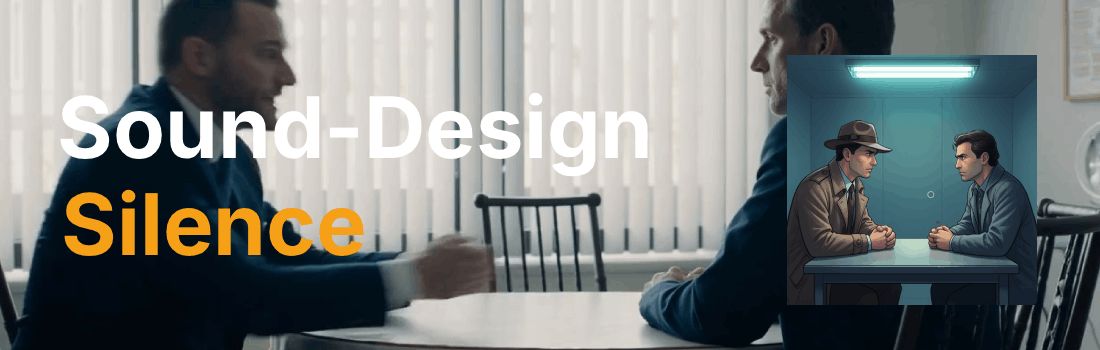
What is the "Silence" sound technique?
Silence is a primary sound type that uses a deliberate, intentional absence of audio for a specific duration, such as 1.5 or 2 seconds, to heighten anticipation, force attention onto the image, or create emotional tension. This powerful tool gives the audience a moment to process what they have just seen or heard, making the next sound feel more impactful when it arrives. Directors use silence to punctuate dramatic moments, build suspense before a jump scare, or give weight to a character's response, proving that what you do not hear can be just as powerful as what you do. In AI sound design, specifying silence as a sound type in your prompt instructs the model to carve out a gap in the soundscape, creating a deliberate void that draws the viewer in.
Example Prompt
"Interrogation Room, Late Night, Detective interrogating suspect in fluorescent-lit room, subtle air-conditioning hum background -18 LUFS; chair foley, creak punchy with each movement; clock ticking SFX right rear 90°; dialogue center -12 LUFS, sharp, intimate: 'Tell me the truth.'; minimalistic piano suspense loop 4-bar, 65 BPM; intentional silence 2 s before suspect answers; –ar 16:9"
Example Video
When to use the Silence technique?
The silence technique works best when a scene calls for tension, anticipation, or emotional weight, such as the moment before a character answers a critical question, the beat before a jump scare, or the pause after a devastating revelation. It is also effective for shifting the audience's focus entirely onto the visual, letting the image carry the story without sonic competition. Silence can serve as a structural punctuation mark between sound layers, giving the soundscape room to breathe and preventing auditory fatigue. Avoid this technique in scenes that require continuous energy or momentum, where a gap in audio would break the rhythm rather than enhance it.
- A scene needs a dramatic pause before a key moment
- The audience should focus entirely on the visual
- Tension needs to build before a reveal or jump scare
- A character's response carries emotional weight
- The soundscape needs breathing room between layers
Pros and Cons of the Silence
| Pros | Cons |
|---|---|
| Heightens anticipation and makes the next sound more impactful | Overuse can make scenes feel empty or artificially slow |
| Forces the audience to focus on the visual, strengthening the image | May confuse viewers if the silence is not clearly motivated by the story |
| Provides emotional weight to dramatic moments and character responses | Risks losing momentum in fast-paced or action-driven sequences |
Recommended book

Learn more about AI video editing
Learn more about AI video editing by reading the book How to Make AI Videos by Gyula Rabai. In this book you can find very important information about: Camera Movement, Lighting, Colors, Composition, Consistency, Character emotion, Character motion, Video style, Action Control and Sound design This information will make your videos more professional, and more engaging.
Get your copy here:
https://videcool.com/p_3707-how-to-make-ai-videos-by-gyula-rabai-book.html
Conclusion
Silence is a powerful tool for sound designers and prompt engineers who want to inject tension, anticipation, and emotional weight into a scene. By deliberately removing sound at the right moment, it creates a void that draws the viewer in and makes everything that follows feel more meaningful. It is not the right choice for every scene, but when dramatic pauses, suspense, or a shift in focus are the goal, few techniques communicate them as effectively. Used thoughtfully alongside other sound types such as dialogue, foley, and ambience, silence becomes a versatile addition to any AI sound design toolkit.