
AI Video Editing - Sound-Design - Sound Shape
Sound shape is one of the most powerful concepts in AI sound design, giving you the ability to choreograph audio with the precision of a composer. By using keywords like steady, stinger, loop, one-shot, and crescendo, you can control how each sound attacks, sustains, and decays over time, turning a flat soundscape into a dynamic, story-driven experience. This page explains what sound shape is, when to use it, and how it compares to unstructured sound prompting, along with a ready-to-use example prompt.
What is the "Sound Shape" technique?
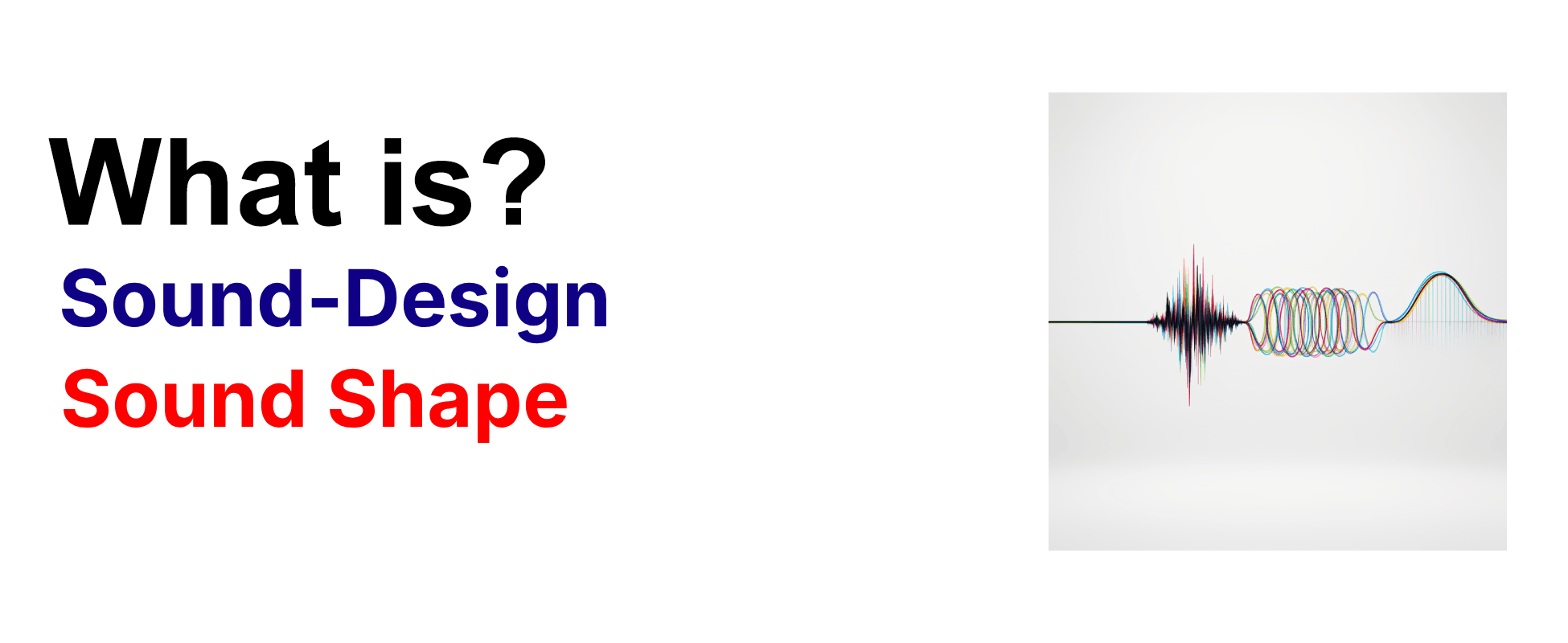
Sound shape is a sound design technique that defines the envelope and rhythm of a sound using keywords like steady, stinger, loop, one-shot, or crescendo to control how it attacks, sustains, and decays over time. This approach allows you to choreograph sound like a composer, with loops creating rhythm and continuity, one-shots punctuating story beats, and crescendos lifting emotion toward a peak. Directors use sound shape to control the pacing of the audio, ensuring that every sound effect and musical cue lands with the right timing and emotional impact to support the visual storytelling.
Example Prompt
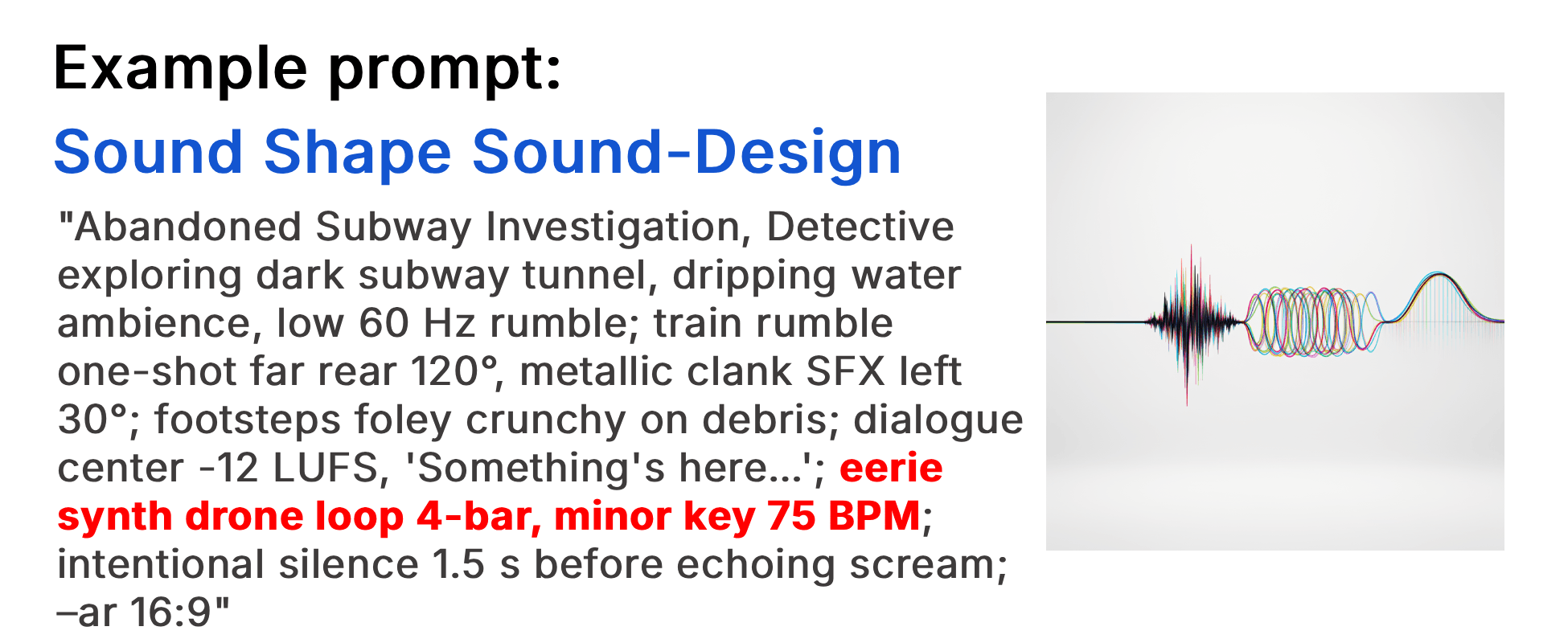
"Abandoned Subway Investigation, Detective exploring dark subway tunnel, dripping water ambience, low 60 Hz rumble; train rumble one-shot far rear 120°, metallic clank SFX left 30°; footsteps foley crunchy on debris; dialogue center -12 LUFS, 'Something's here…'; eerie synth drone loop 4-bar, minor key 75 BPM; intentional silence 1.5 s before echoing scream; –ar 16:9"
Example Video
When to use the Sound Shape technique?
The sound shape technique works best when a scene requires precise control over the timing and emotional arc of its audio, such as building tension with a crescendo, punctuating a jump scare with a stinger, or establishing rhythm with a loop. It is especially effective in scenes where the pacing of sound needs to match the pacing of the visuals, like a chase sequence where one-shot impacts align with cuts, or a contemplative moment where a steady drone holds the space. Avoid this technique for scenes where ambient sound alone is sufficient and deliberate shaping would feel over-engineered or distract from the natural flow.
- Scene needs precise audio timing aligned with visual cuts
- Tension should build gradually toward a peak
- A jump scare or story beat needs sharp punctuation
- Rhythmic continuity is required across multiple shots
- Emotional arc of the scene depends on sound dynamics
Pros and Cons of the Sound Shape
| Pros | Cons |
|---|---|
| Gives precise control over the attack, sustain, and decay of each sound | Requires a clear mental model of the scene's timing to use effectively |
| Aligns audio pacing with visual cuts for a more cohesive experience | Over-shaping can make the soundscape feel artificial or over-engineered |
| Enables composer-level choreography with simple, memorable keywords | Not all AI sound models respond consistently to shape keywords |
Recommended book
Learn more about AI video editing
Learn more about AI video editing by reading the book How to Make AI Videos by Gyula Rabai. In this book you can find very important information about: Camera Movement, Lighting, Colors, Composition, Consistency, Character emotion, Character motion, Video style, Action Control and Sound design This information will make your videos more professional, and more engaging.
Get your copy here:
https://videcool.com/p_3707-how-to-make-ai-videos-by-gyula-rabai-book.html
Conclusion
Sound shape is a powerful tool for filmmakers and prompt engineers who want to choreograph audio with the precision of a composer. By using keywords like steady, stinger, loop, one-shot, and crescendo, you can control how each sound attacks, sustains, and decays, ensuring that every audio cue lands with the right timing and emotional weight. It is not the right choice for every scene, but when tension, rhythm, or emotional pacing are the goal, few techniques shape the soundscape as effectively. Used thoughtfully alongside other sound design techniques, it becomes a versatile addition to any AI video generation toolkit.